Webmail Migration to Office365 for Lecturers and Employees
Published on
Tuesday, 25 September 2018
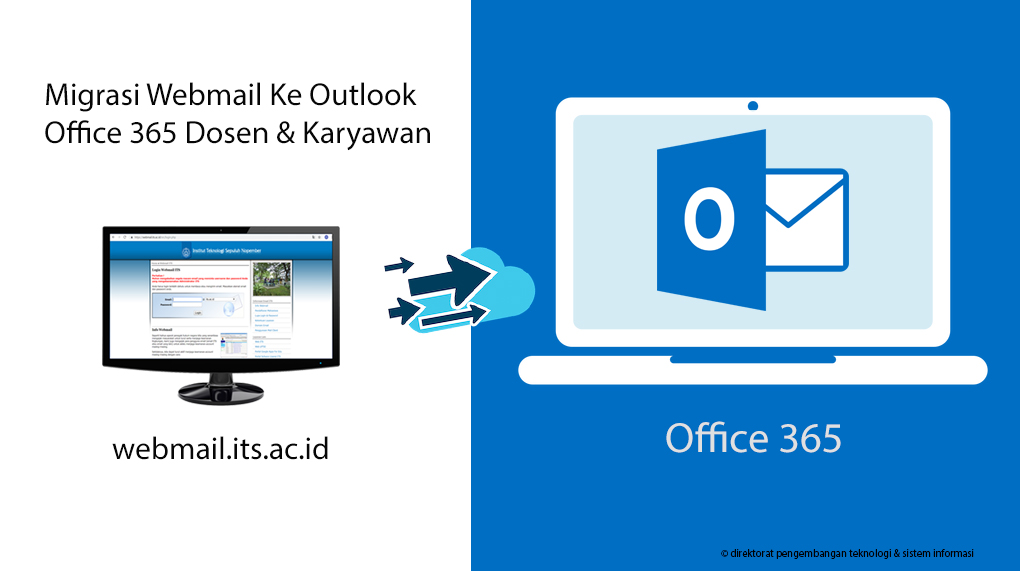 Email Migration Guide
- How to Migrate Webmail Email to Office365
- Open webmail.its.ac.id and click the “Email Migration” link provided on the webmail page.
- An integra login page will appear, Enter integra username & password.
- Migration complete.
- How to Access O365 Email after Webmail Migration
- Enter integra.its.ac.id/app.php.
- Click “Visit” on the “Staff Mailbox” menu.
- You will be directed to the mailbox in Outlook Office365.
- O365 Related Guides