
SERVICE


Guests can request temporary Wi-Fi access from administrative staff around the ITS Campus location. Admin employees can provide internet access to guests for a maximum duration of 1×24 hours. Before creating access, please ensure the admin device is connected to an ITS Wi-Fi network other than Eduroam.
1. Make sure the device is connected to an ITS Wi-Fi network other than Eduroam.
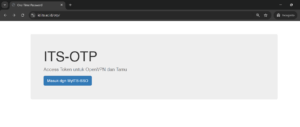
2. Access https://id.its.ac.id/otp in a browser.
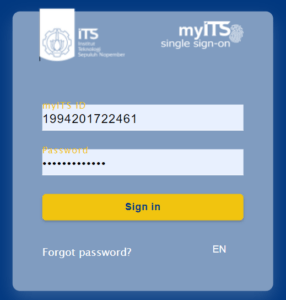
 3. Login using your myITS username and password.
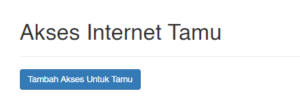
 4. Select Tambah Akses Untuk Tamu/Add Access for Guests.
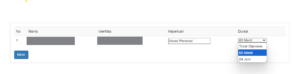
 5. Select a duration, for example: 60 minutes, and click send.
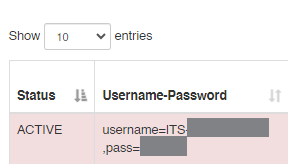
 6. The username and password will appear and the active status will appear. Admin can provide username and password to guests.
1. Turn on Wi-Fi on the device.
2. Look for the Wi-Fi name ITS-Guest1/ITS-Guest2/ITS-Guest3, click Connect. And type the password: itssurabaya
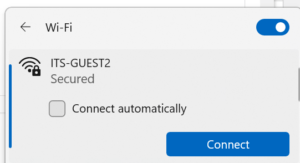
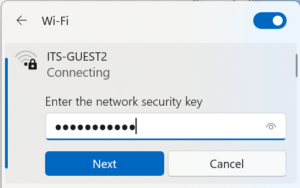 3. Open its.id/internet (Internet Access) in the browser and click Akses Internet Tamu/Guest Internet Access.
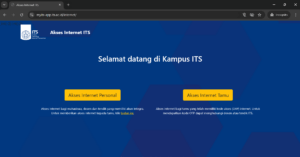 4. Login using the username and password provided by the admin.
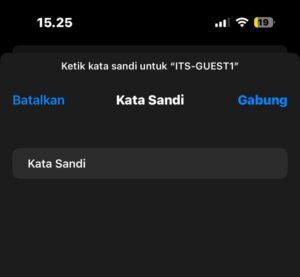
1. Turn on Wi-Fi and select the Wi-Fi name ITS-Guest1/ITS-Guest2/ITS-Guest3.
2. Enter password: itssurabaya and click Join.
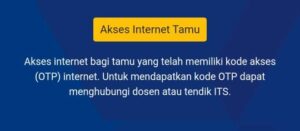
 3. Access its.id/internet in a browser and select Guest internet access.
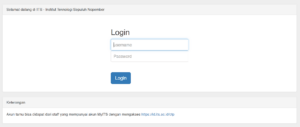
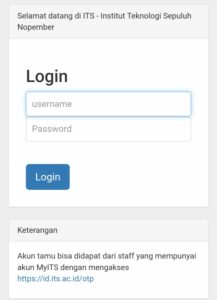
 4. Login using the user and password provided by the admin.
 5. If the Wi-Fi status is checked, then the connection is successful.
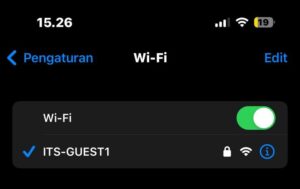
1. Turn on Wi-Fi and select the Wi-Fi name ITS-Guest1/ITS-Guest2/ITS-Guest3.
2. Enter password: itssurabaya and click Connect.
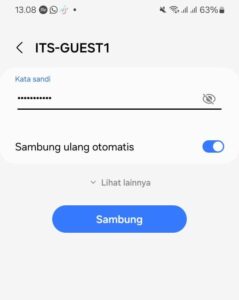 3. Access its.id/internet in a browser and select Akses Internet Tamu/Guest Internet Access.
4. Login using the user and password provided by the admin.
3. Access its.id/internet in a browser and select Akses Internet Tamu/Guest Internet Access.
4. Login using the user and password provided by the admin.
1. Select the Wi-Fi Network and Connection Settings icon in the bottom right corner of the screen display.
 2. Connect wifi to SSID eduroam.
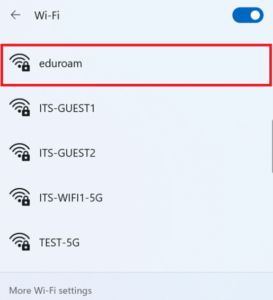 3. Then click Connect to connect the computer to wifi.
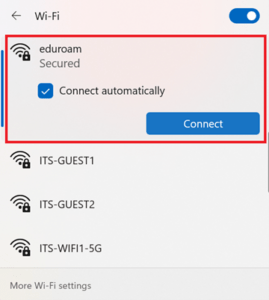 4. On the login page which contains the username and password, enter the username and password according to your institution. Then, click OK.
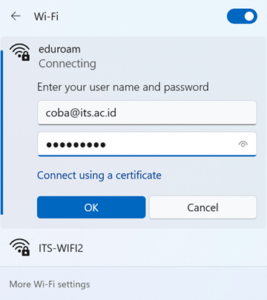 5. Select Connect to verify the Certificate.
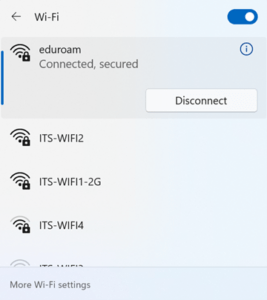
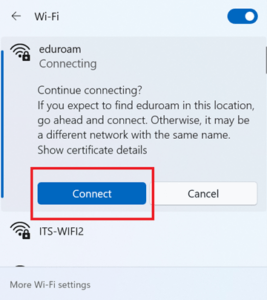 6. Wait a few moments, until the connection to Eduroam has the Connected status. Please try opening a website other than the campus website to ensure the internet connection is successful.
1. Turn on Wi-Fi and select eduroam
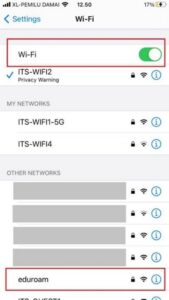 2. Enter the username and password according to your institution, then click Join.
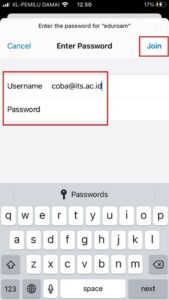 3. In the Certificate view, select Trust.
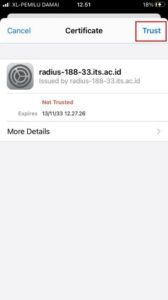 4. If a blue check mark appears on the eduroam SSID, then the connection is connected.
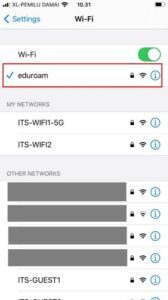
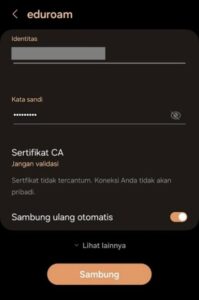
1. Turn on Wi-Fi and select eduroam.
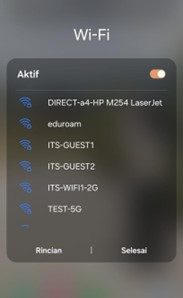 2. Di kolom identitas ketikkan username dan kata sandi sesuai dengan institusi Anda. Di bagian Sertifikat CA pilih Jangan validasi. Dan nyalakan Sambung ulang otomatis. Lalu klik Sambung.
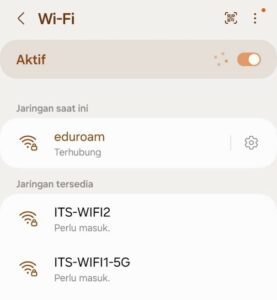
 3. If the eduroam status has changed to Connected, then the connection is successful.
If you want to download the guide, please click the following button:
Eduroam User Guide