SERVICE

governance
SERVICE
governance
Did you know that ITS has a new Service Chat in the live chat feature?
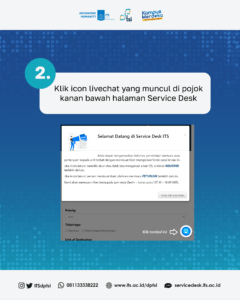
You can find this feature on the Service Desk home page. Precisely in the bottom right corner of the page.
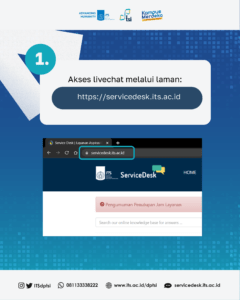
The steps for using the OCA live chat application are as follows:
2. Click the live chat icon that appears in the bottom right corner of the Service Desk page;
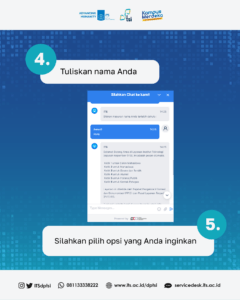
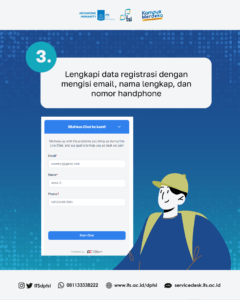
3. Register by filling in your email, full name and cellphone number;
4. Follow the instructions that appear in the live chat interactive message, and select the options you want.