SERVICE

governance
SERVICE
governance
Tutorial of transferring the Speedy Campus ITS domain to telkom.net after deactivation:
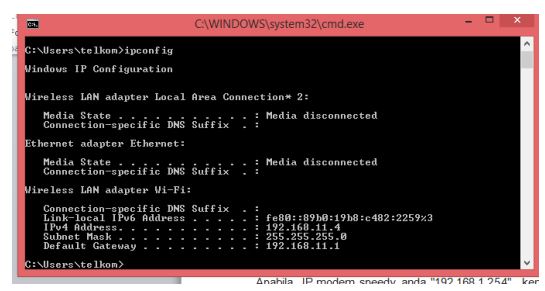
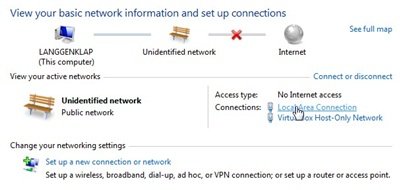

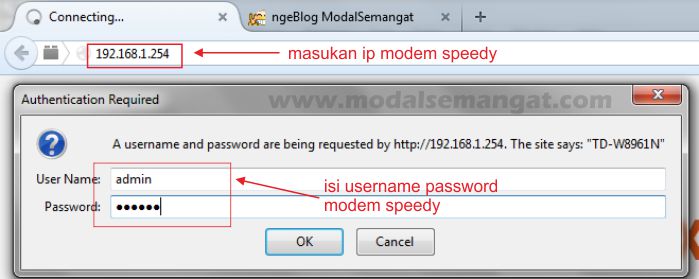
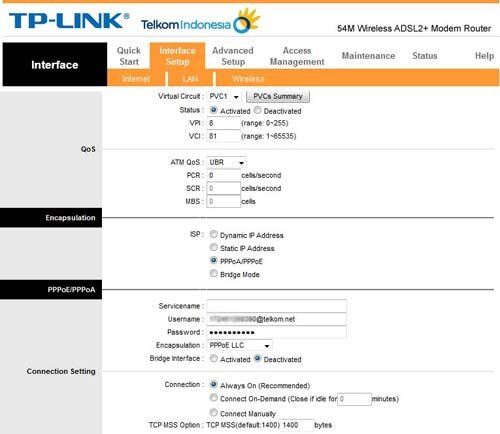
-If you’ve entered the modem page, select the Interface Setup >> LAN menu, then in the PPoE / PPoA section change the username speedy @its.edu.net to be @ telkom.net
– Then click the Save button
– Your speedy has changed to the telkom domain
The tutorial can be downloaded here.