DPTSI informs all students that to support ITS internationalization, student email domains have undergone the following changes:
[email address]@mhs.its.ac.id or [email address]@mahasiswa.integra.its.ac.id
become
[NRP]@student.its.ac.id
Example:
5025123456@student.its.ac.id
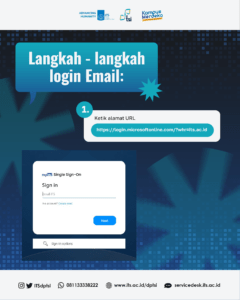
Email Login Steps:
1. Type the URL address https://login.microsoftonline.com/?whr=its.ac.id
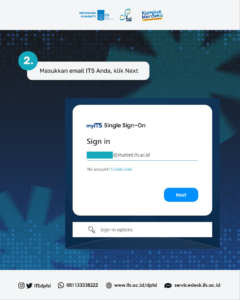
2. Enter your ITS email, click Next
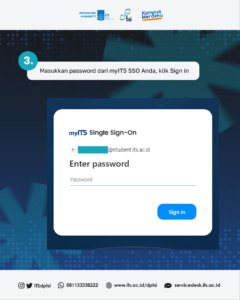
3. Enter your myITS SSO password, click Sign in
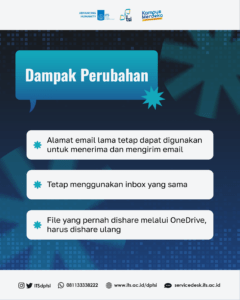
The effect of the domain alteration:
– The old email address can still be used to receive and send emails
– Keep using the same inbox
– Files that have been shared via OneDrive must be re-shared
That is the information from us. If there are problems, please contact servicedesk.its.ac.id. For units of destination, you can select DPTSI.
Regards,
DPTSI